STIHL connected: Digital fleet management
STIHL connected provides a detailed overview of your power tool fleet anytime and anywhere
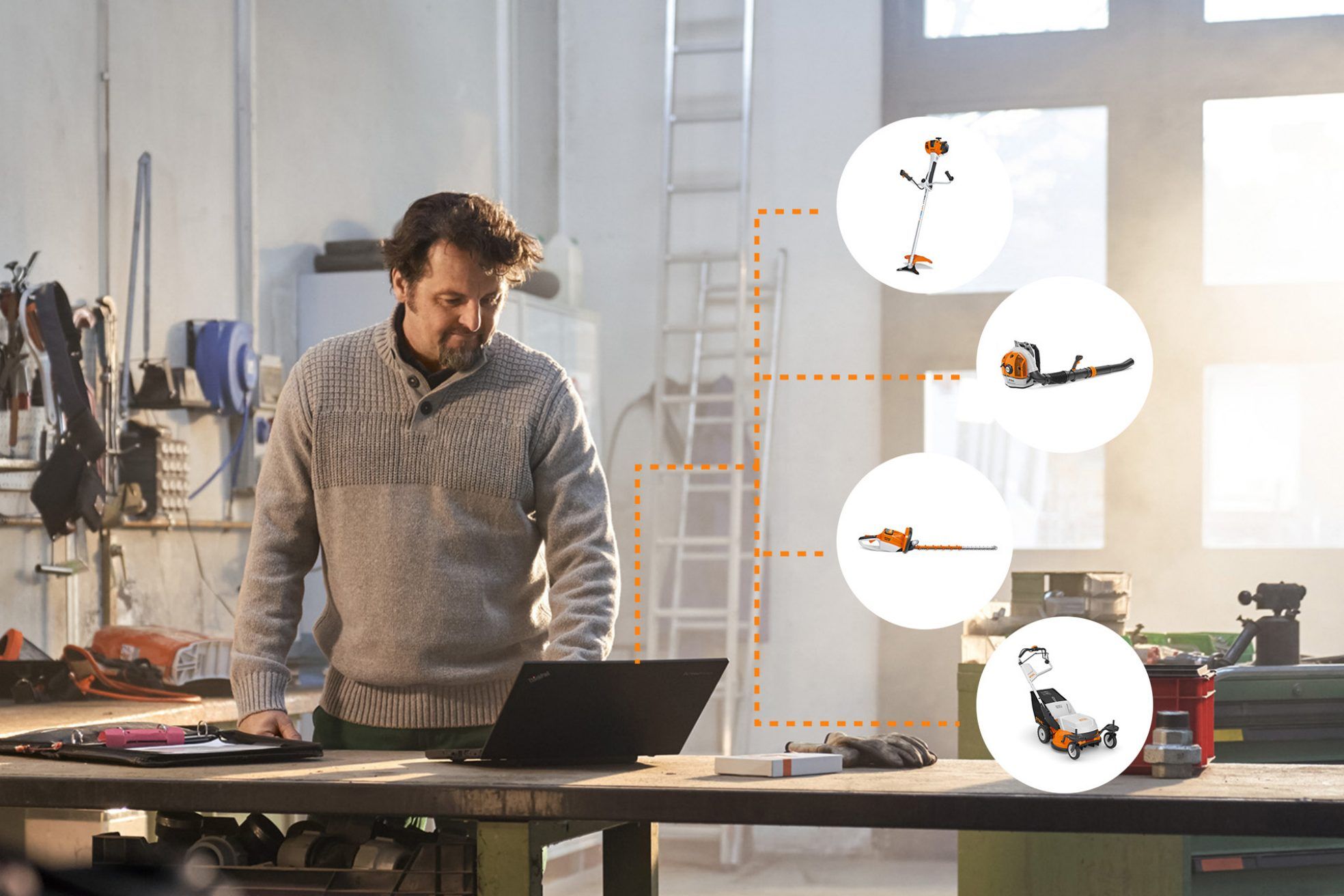
STIHL connected: An overview of your machinery fleet at any time.
Get the best out of your power tools with STIHL connected and save time, resources and money.
-
Keep an overview of your equipment fleet and perform a stock take at the push of a button with the Smart Connector 2 A.
-
Receive power tool data automatically, reliably and securely. That means you can always know where your power tools are.
- Being constantly up-to-date on the age, battery life and maintenance status of your power tools means less downtime.
System components and interaction
STIHL Smart Connectors record the operational time of your machines and transmits this information to your smartphone or tablet via Bluetooth®. From there, the data is transmitted to the STIHL Cloud and is then available for your use in the STIHL connected Portal and the STIHL connected App.
The operational time of each machine is synced with a customisable maintenance plan, meaning key tasks such as greasing and sharpening can be done exactly when required.
STIHL connected is an intuitive way of smartly and efficiently organising your fleet management and everyday work.

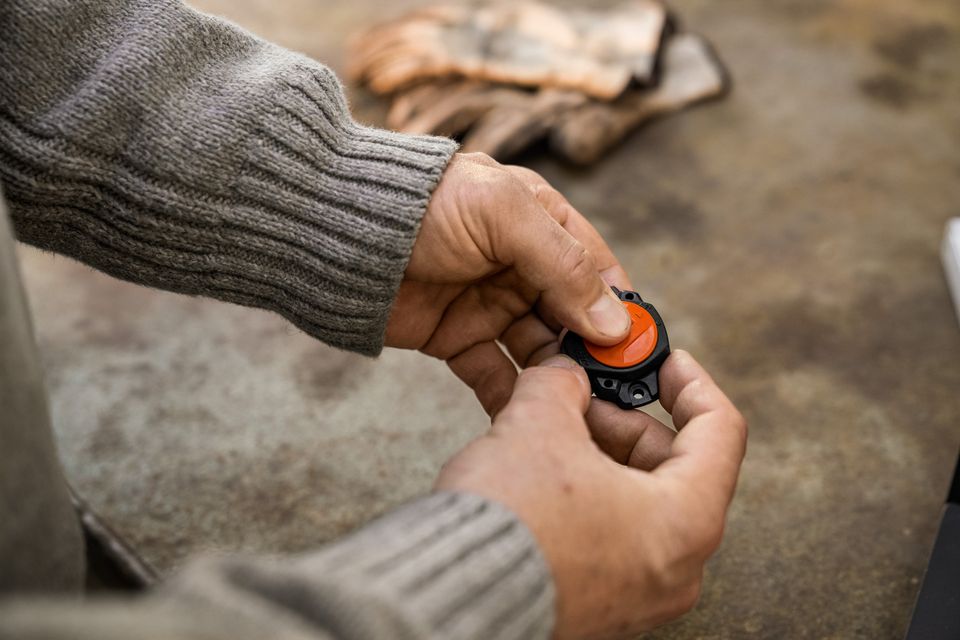
The basis for efficient fleet and power tool management
-
Captures and stores central power tool data securely and reliably, and transmits it to the user's smartphones via Bluetooth®.
-
Compatible with petrol, electric, and cordless power tools
-
Very clearly communicates the power tool status, thanks to the STIHL Smart Connector 2 A
-
The introduction of the Smart Connector 2 A also brings new and helpful functions to the STIHL connected Portal and the STIHL connected App .
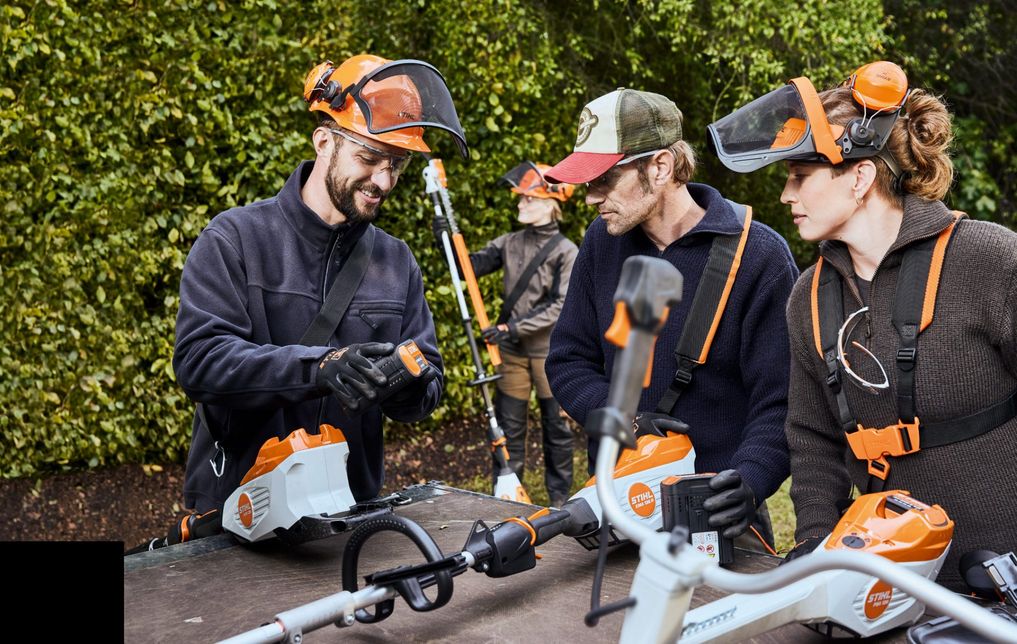
All the benefits of the STIHL connected Portal and the App
| Portal | Portal & App | |
|---|---|---|
| Benefits of the STIHL connected Portal (with smart devices) |
Maintenance management
|
Lifecycle events including history
Optimised product status
|
| Benefits in combination with the Smart Connector 2 A |
Optimised runtime history with date selection
Speed histogram
|
Optimised runtime today
Lifecycle events
Automated product status
|
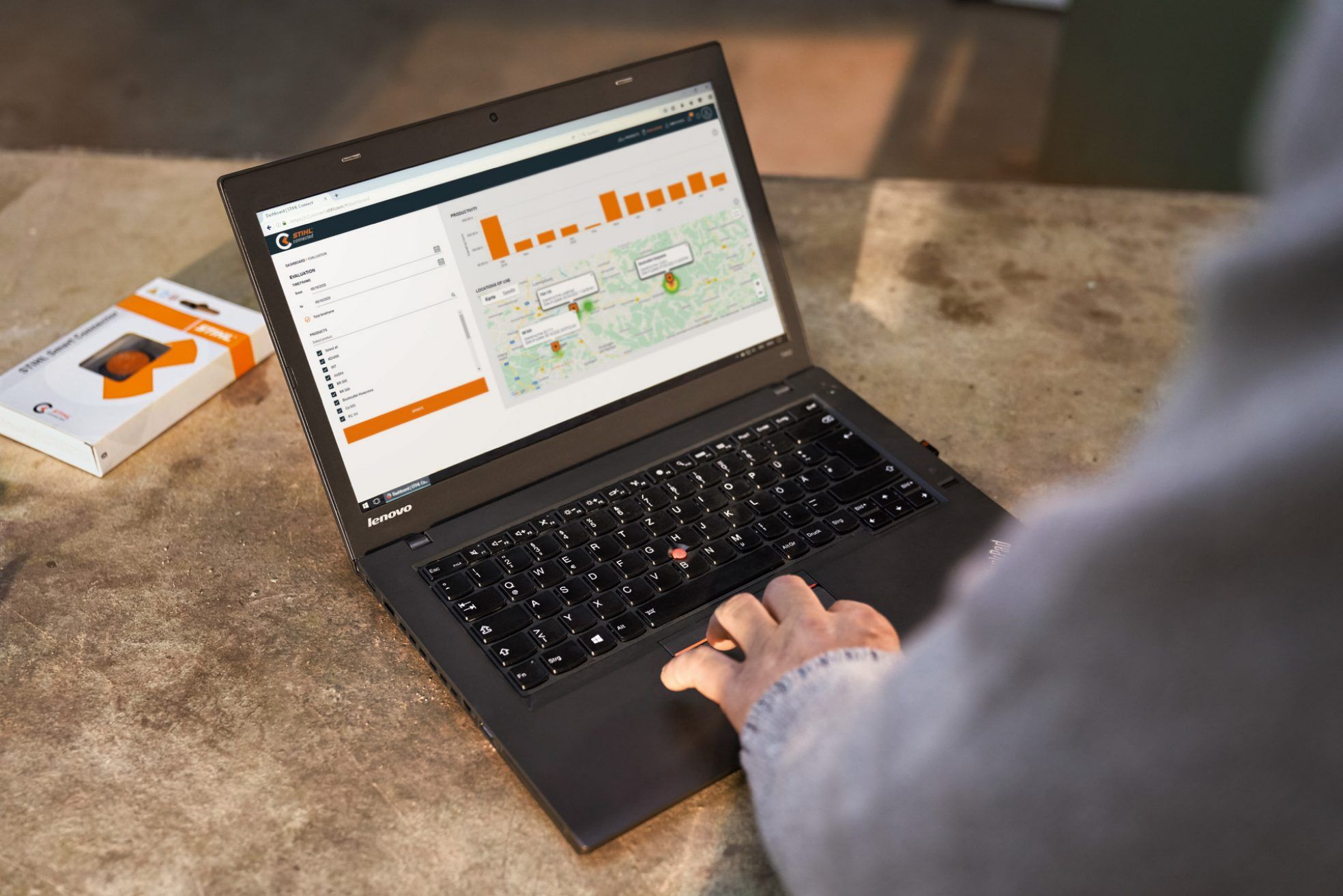
STIHL connected Portal: Manage power tools more efficiently
With the STIHL connected Portal you always have all the information you need to hand. It provides you with information about the entire machine fleet and enables you to efficiently plan the use of your power tools. Downtime and time spent searching are reduced, and you save costs. You can also contact your local STIHL dealer from the system.
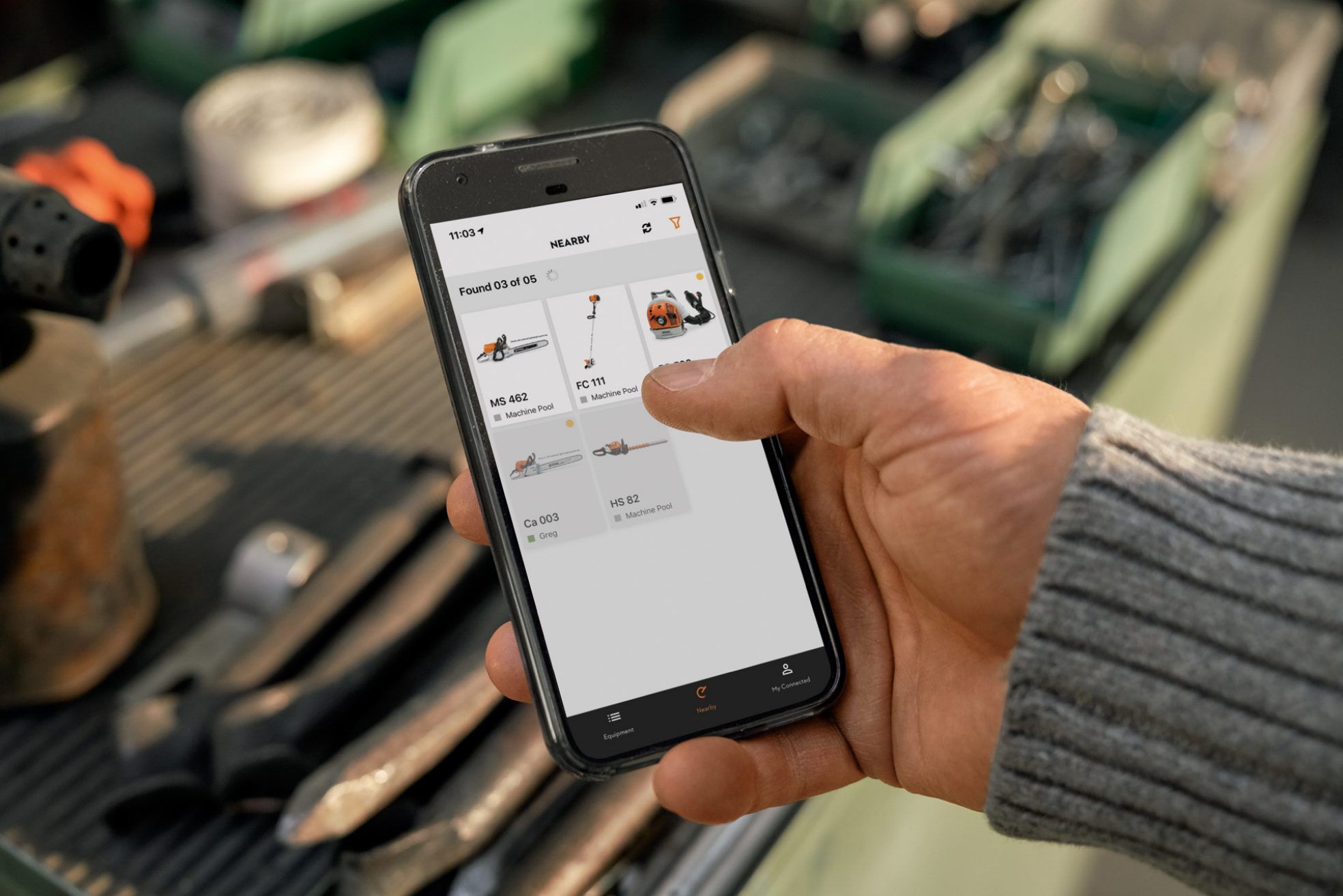
STIHL connected App: A clear overview, anytime and anywhere
Maintaining a complete overview of your entire power tool fleet even while on the move is possible with the STIHL connected App. The Nearby function shows which power tools are in the immediate vicinity. Simply download the STIHL connected App from the Google Play Store or Apple App Store .
How to set up STIHL connected
To get going with STIHL connected, please first complete a one-time registration for STIHL connected.
Next, download the STIHL connected App either for iOS or Android and install it. Then log into the app with the user ID that was assigned to you in the previous step.
The most convenient way to add all power tools is to use the app.* Simply scan the barcode on the power tool or manually enter the serial number. You can use this method to add products from other manufacturers too.
*Setup can of course also be performed using the STIHL connected Portal.
Smart Connector
Now take the STIHL Smart Connector out of its packaging and carefully open the battery compartment using the enclosed battery compartment key. Remove the locking plate under the button cell. You can now see the data matrix code, which you will use in the next step to associate the STIHL Smart Connector with the relevant product within the app.
STIHL Smart Connector 2 A
You can quickly and easily set up the STIHL Smart Connector 2 A with just a few movements. The key steps are briefly described below:
First activate the button cell. Attach the STIHL Smart Connector 2 A and start up the power tool.
Smart Connector
You can now pair a power tool which has been added in the STIHL app with your Smart Connector. To do this: Start the process by using the corresponding button in the app and then scanning the data matrix code revealed in step 4. Now place the button cell back into the STIHL Smart Connector and close the battery compartment.
Smart Connector 2 A
Press the button. Following pairing, you can start using the power tool.
Now attach the STIHL Smart Connector to the power tool you paired it with in the previous step. In the STIHL connected App you will find instructions on where and how best to attach the STIHL Smart Connector to each fully supported power tool . Mounting should be done either by means of the screws included with the STIHL Smart Connector, or the adhesive surface on the back of it. As a general rule, the STIHL Smart Connector should be a maximum of 10 cm away from your power tool’s engine or motor.
Now you can manage your power tools in STIHL connected. The STIHL Smart Connector collects power tool data and synchronises it with your smartphone. From there, the data is transmitted to the STIHL Cloud together with the location*.
*Location transmission active provided GPS is enabled on your mobile device.
Logging in and getting started
Complete a one-time registration for STIHL connected and all the functions of the Portal and the STIHL connected App will be available for you to use.
FAQs
An up-to-date list of all compatible, fully supported power tools is available at support.stihl.com.
The STIHL Smart Connector can be retrofitted to STIHL products and third-party products. The full functional scope of the STIHL Smart Connector is only guaranteed with fully supported STIHL products. For fully supported STIHL products, the attachment position for the Smart Connector is predefined. In addition, the recommended product-specific maintenance instructions for these products are already stored in the system.
For each fully supported STIHL product, the position where the Smart Connector should ideally be attached has been predefined. During the pairing process, this position is displayed in the STIHL connected App, and in the STIHL connected Portal in the instructional video. In addition, the recommended product-specific maintenance instructions for these products are already stored in the system.
Partially supported products can also be connected to the Smart Connector. However, there are no predefined positions for attaching the Smart Connector to these products, and also no predefined product-specific maintenance instructions.
Summary: STIHL connected
- STIHL connected digitalises your fleet management and makes it more efficient by providing you with a complete overview and full clarity over your own power tool fleet.
-
The STIHL Smart Connector 2 A is compatible with a select number of STIHL professional cordless products such as the FSA 135 and HLA 135.
-
Machines send power tool data automatically, locations are documented, and stocktaking is performed at the push of a button. This allows you to focus on other projects.
-
Determining the right fleet size for you by means a fact-based approach, reducing downtime, and avoiding power tool loss means you can work more efficiently and save money.